

 0 playing

[RUNES] Click to Upgrade
How many people are playing [RUNES] Click to Upgrade
Cheats and tricks: the guide for [RUNES] Click to Upgrade
What to do in the first hour, the mistakes that cost the most, and how to get further without spending anything. Short steps you can follow on a phone.
Scripts for [RUNES] Click to Upgrade (Lua and Luau)
A script starts by loading Rayfield and opens a window in the game. Everything else happens in that window.
local Rayfield = loadstring(game:HttpGet('https://raw.githubusercontent.com/.../Rayfield.lua'))()

local Window = Rayfield:CreateWindow({
To run a script you need an executor. Roblox bans accounts for using one, so take a look at the tools page before you pick.
View the scriptAbout [RUNES] Click to Upgrade
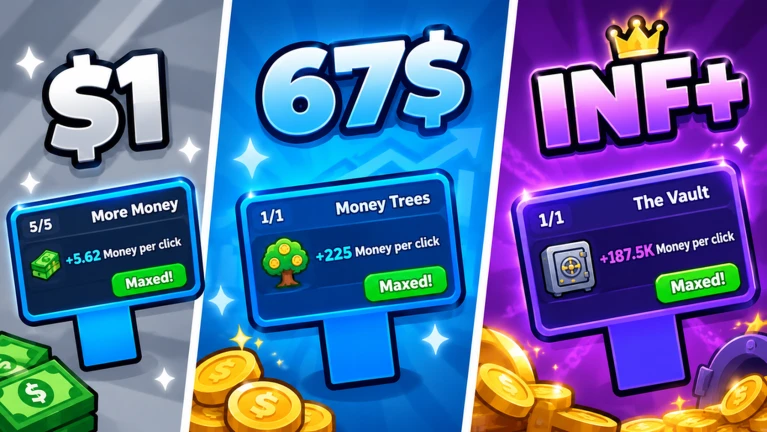
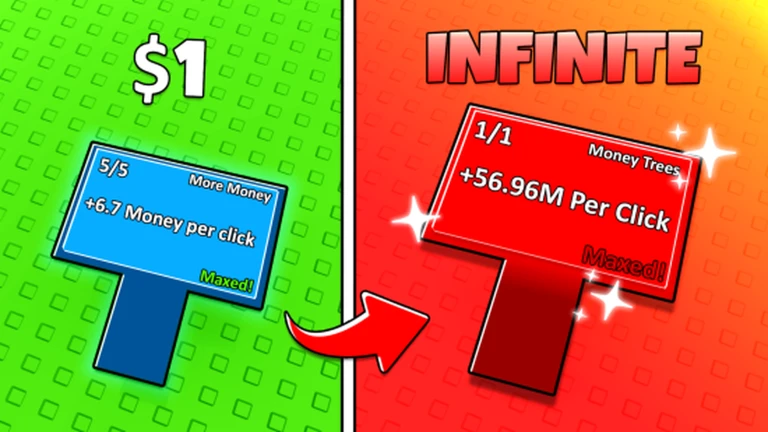
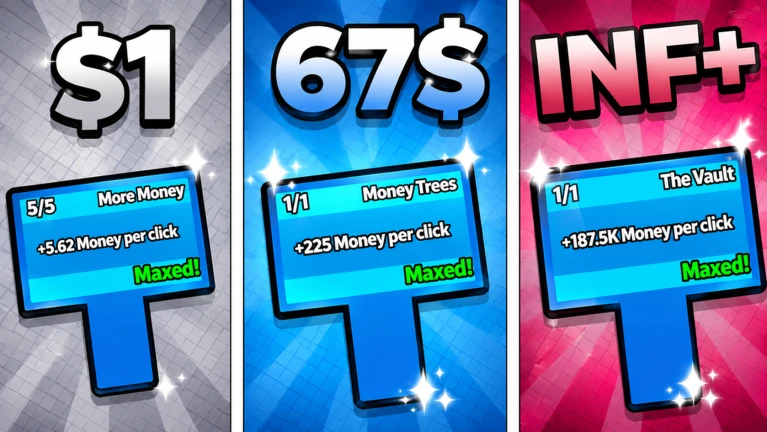
🖱️ Click to Upgrade! (Clicker Upgrade Tree 2)
✨ Code: UPD3 – All Game Passes Free for 5 Minutes!
👍 Next code at 500 likes
🔥 Runes Update!
- 2 New Machines to Master
- New Space Area
- Automation Saves!
- Get runes to increase your boosts!
- 4 New Prestige Upgrades
- Upgrades for the Upgrades Machine
- Rewards System
- UI Improvements
…and so much more!
👆 Click to grow stronger
🔓 Unlock powerful upgrades
🌎 Discover new zones
⚡ Become unstoppable
⚠️ Game in beta expect bugs.
💻 Desktop, Mobile & Tablet supported.
❤️ Made with love from Playbeam.

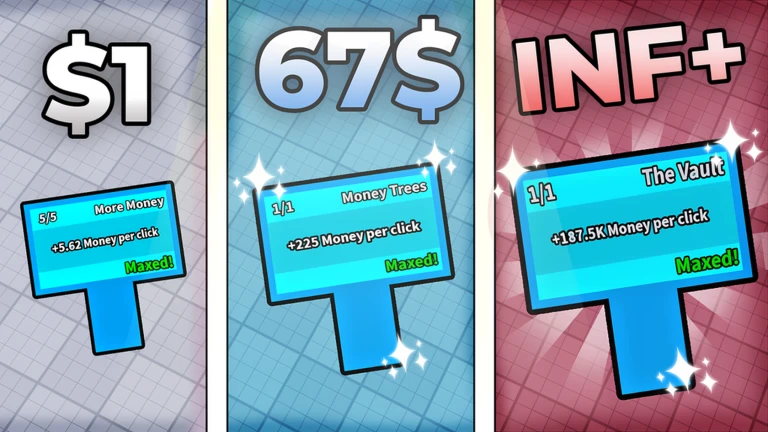
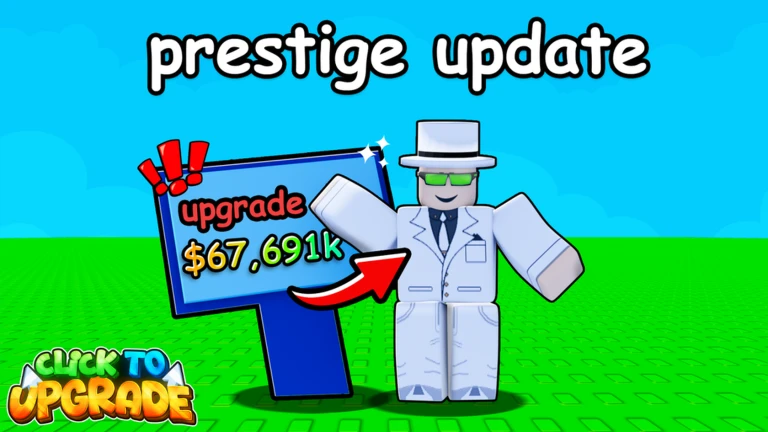
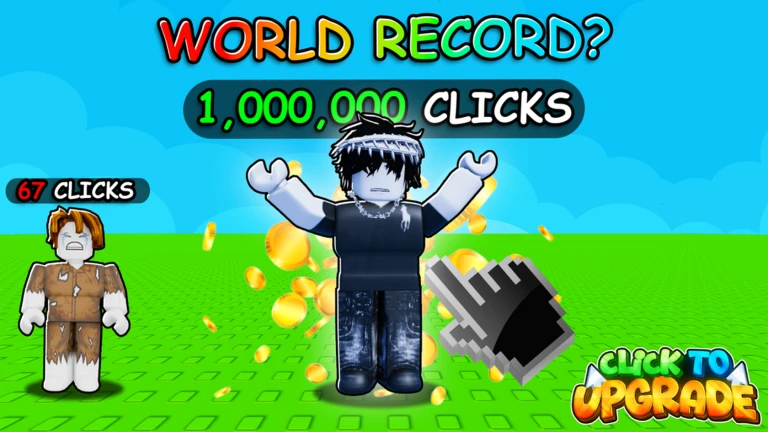
-
 Pro Pack
R$ 699
-
 VIP
R$ 299
-
 x1.5 Clicks
R$ 249
-
 x2 Runes
R$ 249
-
 Auto Clicker
R$ 149
-
 Auto Upgrade
R$ 149
Details and IDs
- Universe ID
9616039457- Place ID
75659297425761- Creator
- upgrade tree games (Group, 2,003 members)
- Players per server
- 12
- Age rating
- Roblox labels this one "minimal", with a minimum age of 0
- Paid access
- No, the game itself is free to play
- Genres
- Simulation (category), Incremental Simulator (subcategory)
- Stats last checked
- 16 Nov 2026, 23:45 UTC
The playing count, the likes and the visits come from Roblox, and we refresh them on a schedule. Roblox is a trademark of Roblox Corporation; this page is not affiliated with it.
Looking for something else to play tonight?
Browse all games